
Just released — FleurNotes. A modern notetaking app built to work natively on Windows.

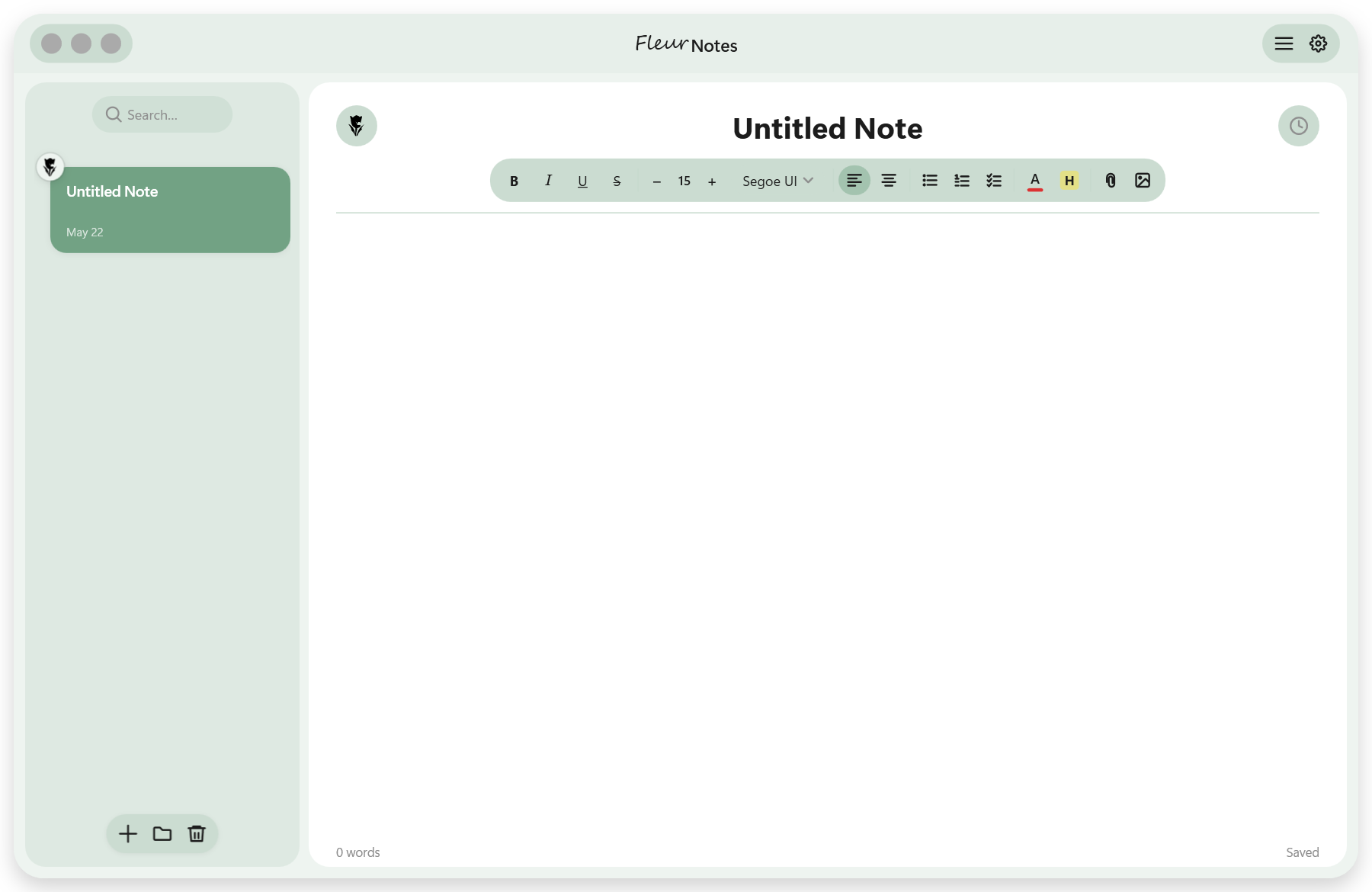
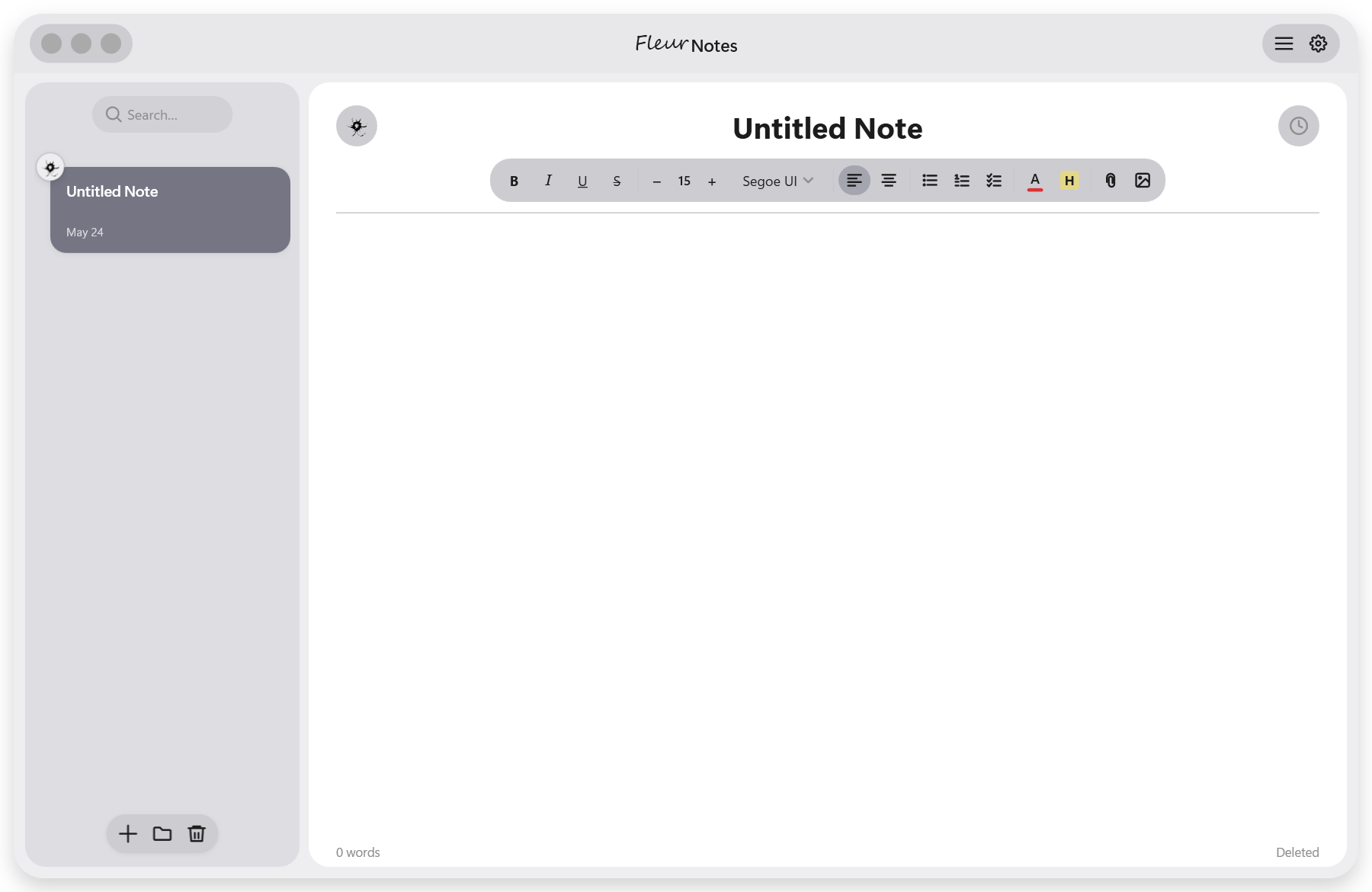
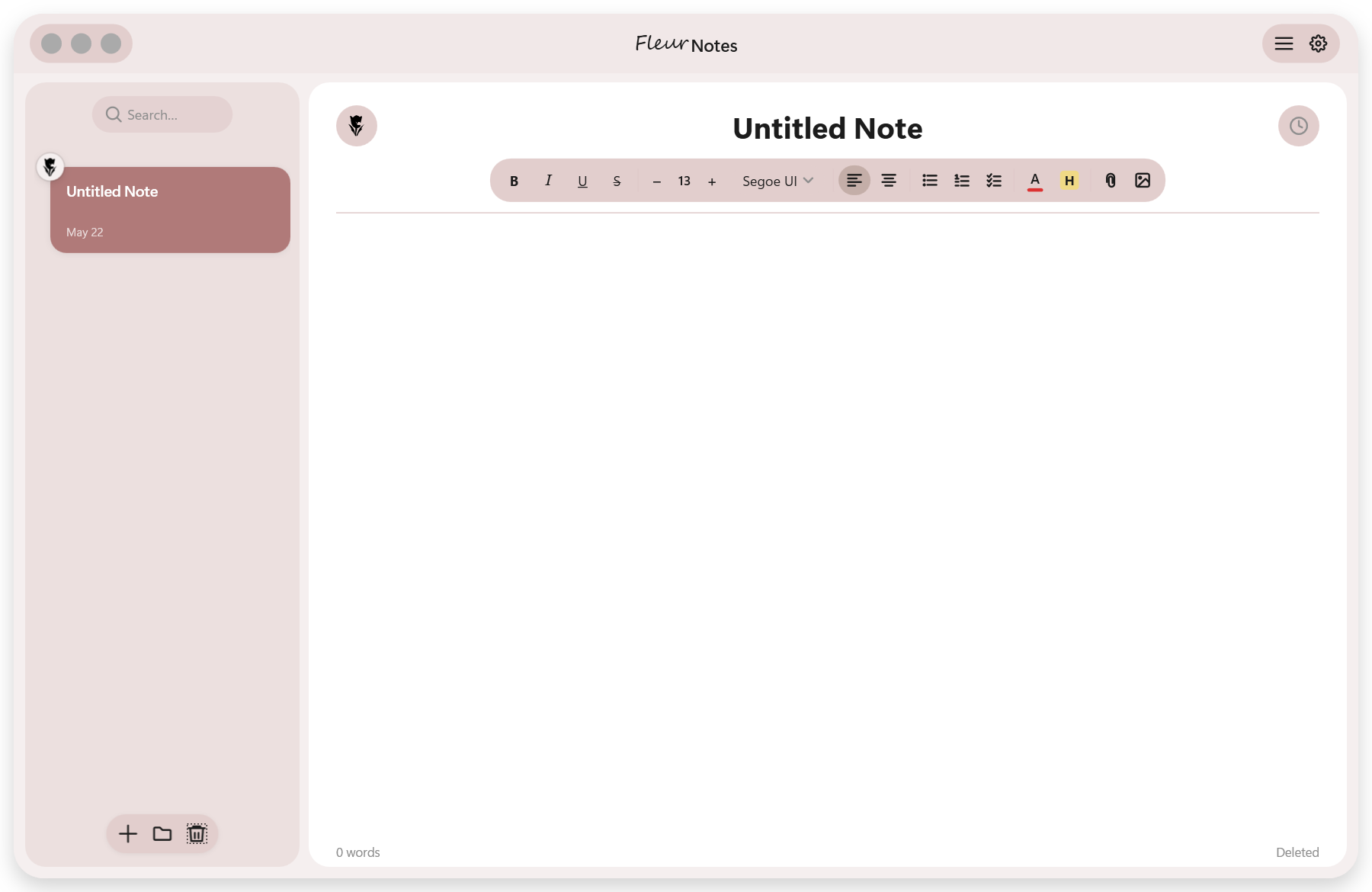
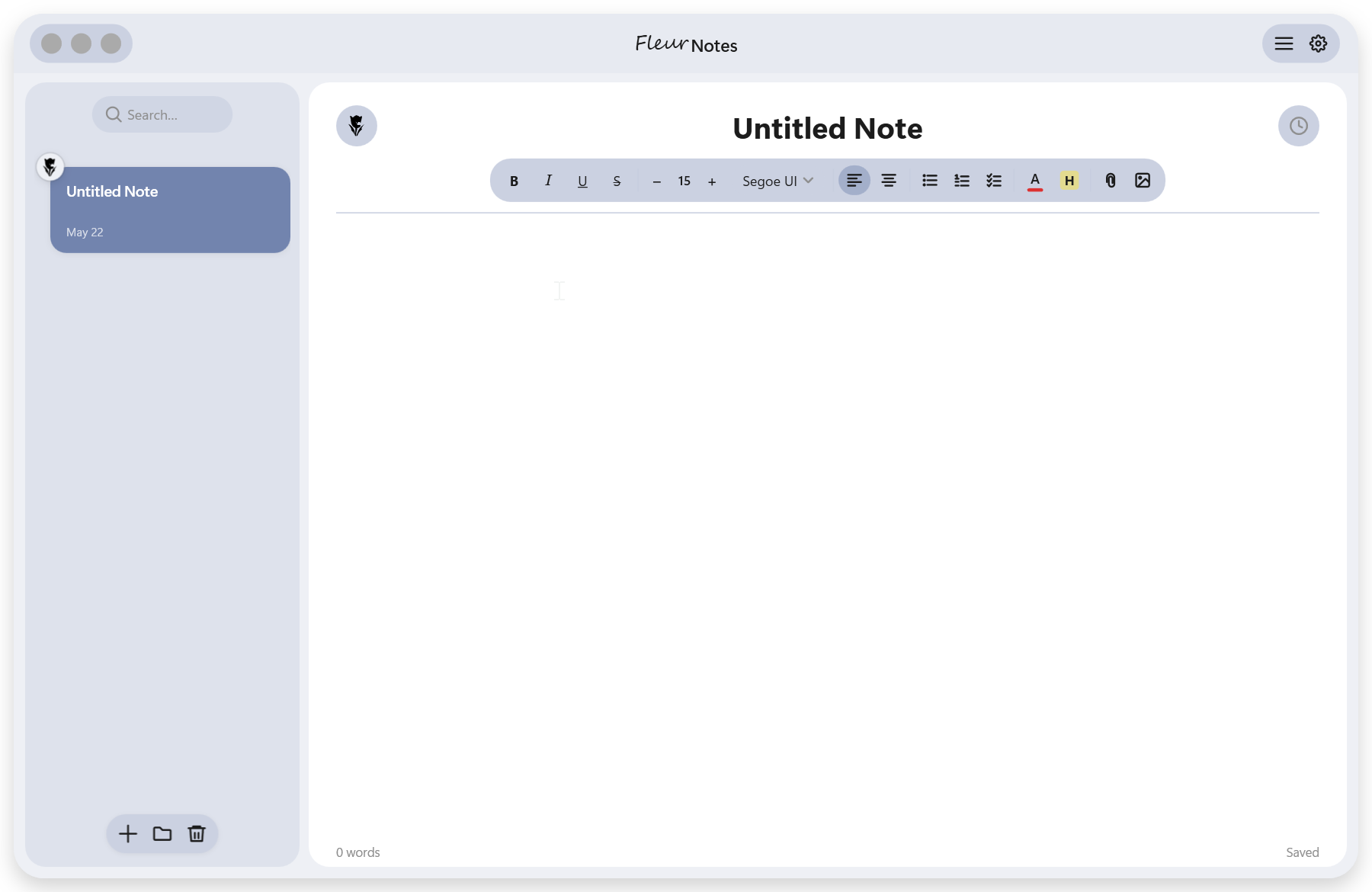
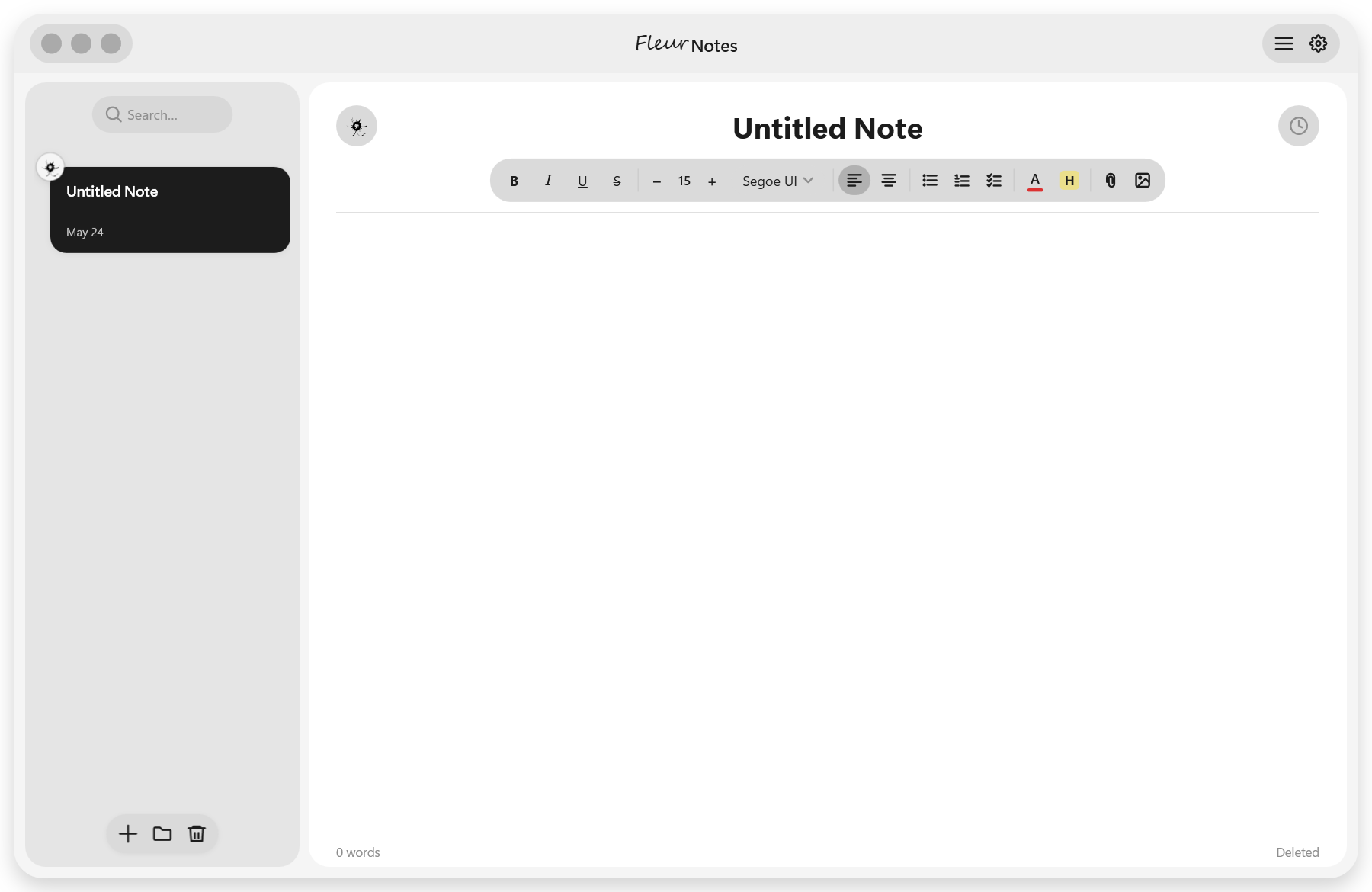
FleurNotes now available to download in Beta.
Rich-text notes with folders, version history, and customizable themes. Your thoughts, beautifully kept.
Still under development
Still under development
A full rundown of every change, fix, and improvement in each release. Click any version to expand.
- Checklist circles no longer disappear when switching away from a note and back
- Checked state and circle are now stored independently of the RTF content so they survive save/load round-trips
- Old notes with missing circles are automatically repaired the moment you open them — no manual fix needed
- Checking or unchecking a circle now immediately writes to the save file
- Checking a checklist item no longer draws a strikethrough line through the blank space between the circle and the text
- Strikethrough and text dimming now apply only to the actual item text
- Removed a redundant leading space that was doubling the gap between the circle and the text
- Both new and existing saved notes are corrected automatically on load
- All shadows across the app now share a single consistent style, soft, directional, and never clipped
- Popups that previously had invisible or missing shadows now display correctly: / menu, text color picker, highlight color picker, right-click note menu, right-click folder menu, and the flower emoji picker
- Shadow direction standardised to downward so every popup feels naturally elevated above the surface
- Popup wrapper padding increased so the shadow is never clipped at the edges
- Delete, folder-delete, and rename dialogs updated to match the same shadow style
- Pin any note from the right-click menu to keep it at the top of its folder
- Pinned notes show a thumbtack badge in the corner of the note card
- Badge switches to white automatically when its note is the active selection
- Pinned notes stay pinned through every sort order
- Save any note as a reusable template from the right-click menu
- "New from template" submenu lists every saved template for one-click creation
- Delete a template directly from the submenu with the new trash button
- Templates stay out of search results and the main note list
- Duplicate any note from the right-click menu
- Copies are titled "Copy of [original name]" and placed directly beneath the original
- Folder, formatting, and flower badge carry over to the new copy
- New sort button next to the search bar opens a popup with four sort modes
- Newest first, oldest first, A → Z, and Z → A, with a checkmark on the active mode
- Sort button icon updates to reflect the active sort at a glance
- Pinned notes stay pinned at the top regardless of sort order
- Word count is now joined by character count and an estimated reading time
- Selecting text swaps the status bar to show stats for just the selection
- Status bar reverts to document totals automatically when the selection clears
- Sidebar collapse icon redesigned to a cleaner two-panel glyph that matches the rest of the toolbar
- Split view icon corners now rounded to match the app's overall style
- "Save as template" icon redesigned to a filled document glyph
- Press Shift once to enter select mode; press again or press Escape to exit
- Hold Shift and click to select multiple notes without leaving the mode
- Animated "N Notes Selected" banner appears at the top of the note list
- Drag any selected note to move the entire selection at once
- Delete key or trash icon deletes all selected notes with one confirmation
- Releasing Shift no longer clears the selection
- All color pickers (text, highlight, theme) now open and close on click, no more hover timeouts
- Popups stay open reliably; click anywhere outside to dismiss
- Settings accent picker rebuilt as an anchored popup matching the toolbar pickers
- Six new themed palettes: Ink & Paper, Forest & Earth, Ocean & Sky, Rose & Dusk, Violet & Plum, Pastels
- Removed "Muted & Dusty" and "Vivid" palettes
- Checklist circles now respond to clicks correctly
- Clicking a circle fills it with a checkmark and strikes through the text
- Checked state persists across saves and note switches
- Hover highlight on circles for clear affordance
- Checklist icon in / menu and right-click menu now matches the toolbar icon
- Right-click any note in the sidebar to open it in split view
- "Open in split view" toggles, right-click again to close that note's split
- Note and folder right-click menus redesigned to match the editor context menu style
- Wider popup (220px), max height with scrolling, consistent section labels
- Folder and note name headers now trim cleanly with ellipsis
- Theme toggle cards now have the same hover and press animation as color theme cards
- Version number displayed in the settings footer, pulled automatically from the build
- Drop shadows now appear correctly on rounded images
- Fixed by switching from geometry clip to opacity mask, so the shadow renders outside the image bounds
- Shadow persists correctly after resizing a rounded image
- Hidden commands no longer appear in the right-click menu
- Hidden commands now appear properly in the / list when you type their name
- Removed "linkdocument" duplicate; kept "Attach Document" with proper display name
- All slash command labels normalized to Title Case
- Fixed garbled em dashes in attached document disclaimers and toast messages
- Fixed attachment card showing corrupted "Missing, relink or unlink" text
- Fixed highlight and text-color popups randomly disappearing mid-interaction
- Fixed dragging an already-selected note deselecting it before the drag started
First public release of FleurNotes. Rich-text editing, folders, version history, customizable accent themes, split view, image support, attachment linking, and the / command menu.
Being a solo project, FleurSuite apps may have small rough edges. I'm actively working through them, if something's disrupting your workflow, don't hesitate to reach out.
- Ctrl+F search highlight doesn't clear fully after closing
- Dragging notes between folders can feel finicky
- Version history occasionally doesn't update as expected
- More fixes happening behind the scenes too
This is a beta, solo-built app, bugs come with the territory. I appreciate your patience while I work through them.
On install, Windows may show an "Unknown Publisher" pop-up. This is normal. Removing it requires an OV code-signing certificate, which I'm saving up for while paying off college. It'll go away eventually! 🙂
If you know of affordable ways to host apps with live updates, I'd genuinely love to hear about it.